
Kihap turns the Apple TVs in your dojo or gym into signage you control from the web: what's on now and up next, round timers, and your own photos and videos.
Now
Little Ninjas
until 6:45
Up next
Adult Sparring
at 7:00
Put your weekly class schedule on a clock, and every screen shows what's on now and what's next, with the date.
Stopwatches, countdowns and saved presets with work and rest rounds, started from the Apple TV remote.
Mix photos, videos and clocks into a show, pick how slides change, and play it on one screen or all of them.
Upload photos and videos once. Point a slide at a folder and it picks up whatever you add there.
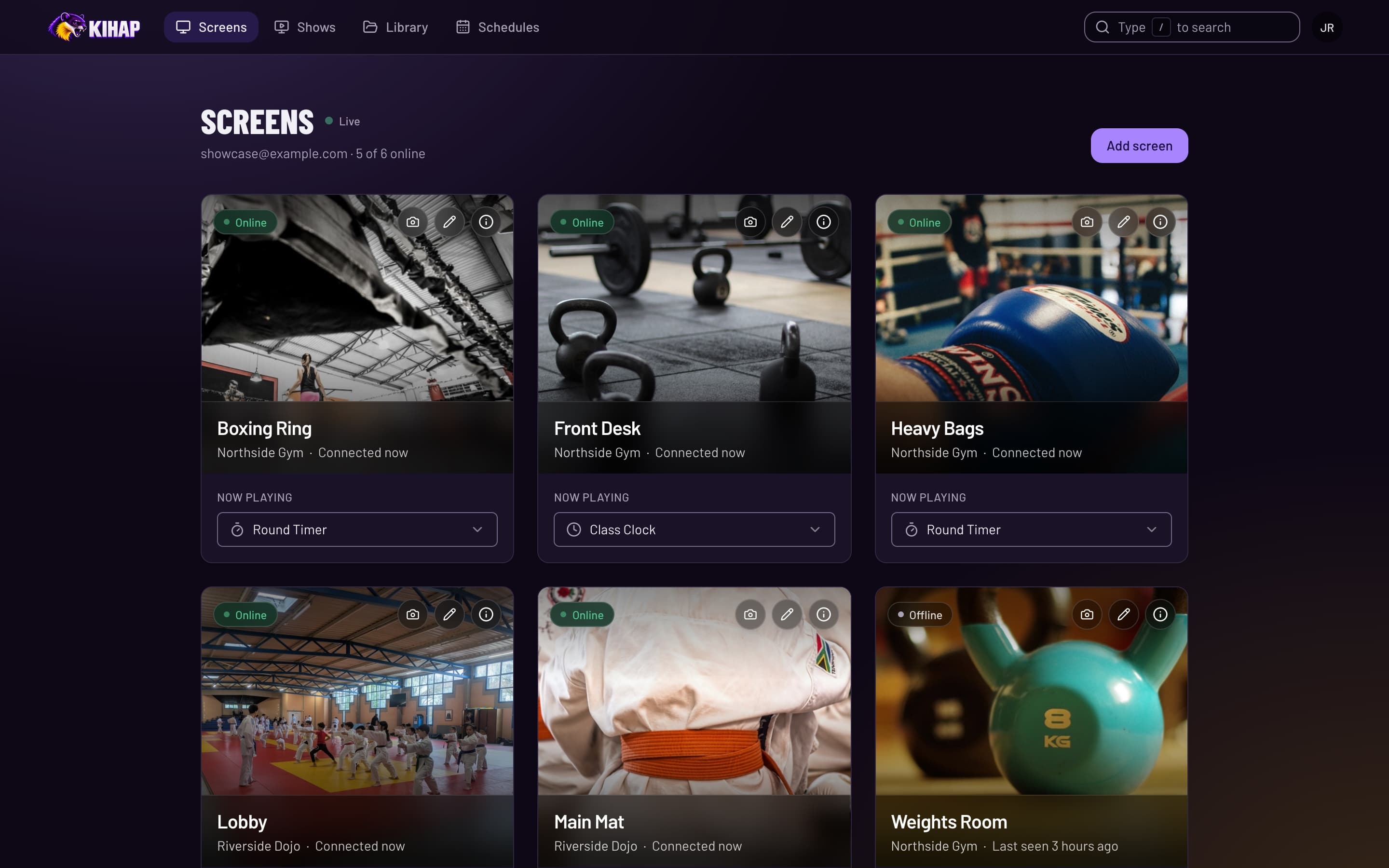
See which screens are online and what each one is playing, and switch a show from the front desk or from home.
Show which class is on the mat and who's up next, time sparring rounds and drills on the big screen, and fill the lobby with photos from belt tests and tournaments.
Keep the class schedule by the front desk current, run interval timers for circuits and HIIT, and put member photos and announcements in front of everyone who walks in.
Any Apple TV in your studio: the lobby, the mat, the front desk.
Sign in on your phone and the screen is yours.
From the web, at the desk or at home. The screen updates on its own.
Kihap is in an invite-only beta, free while it lasts. Tell us about your studio or gym and we'll send you an invite.
Open Kihap on an Apple TV and scan the code it shows with your phone. That's the whole setup.
See which screens are online and what they're playing, and grab a screenshot of any of them.